

Have you ever stepped on your scale twice in a row and seen two different numbers? Or perhaps you moved your scale from the bedroom to the bathroom and suddenly "gained" two pounds? You might even notice the display isn't showing zero right after unboxing your new device or before your first weigh-in.
Before you panic, the problem likely isn't your weight—it's your calibration. In the world of high-precision fitness tracking, knowing how to calibrate a scale is the difference between guessing your progress and mastering it. This article will guide you on how to properly use, calibrate, and troubleshoot your scale for maximum accuracy.
1. Why Does My Scale Need Calibration?
Digital smart scales, like those from Arboleaf, use sensitive pressure sensors to measure your weight. If the scale was not shut down correctly after its last use, or if it experienced excessive shaking or tilting during movement, the sensors can lose their accuracy.
When this happens, the scale’s internal "baseline" shifts. Without calibration, the hardware might misread its own internal tension as part of your weight, leading to those frustrating fluctuations.
2. How to Calibrate a Scale (The 10-Second Fix)
For most modern smart scales, the calibration process is incredibly simple. Follow these steps for an instant reset:
-
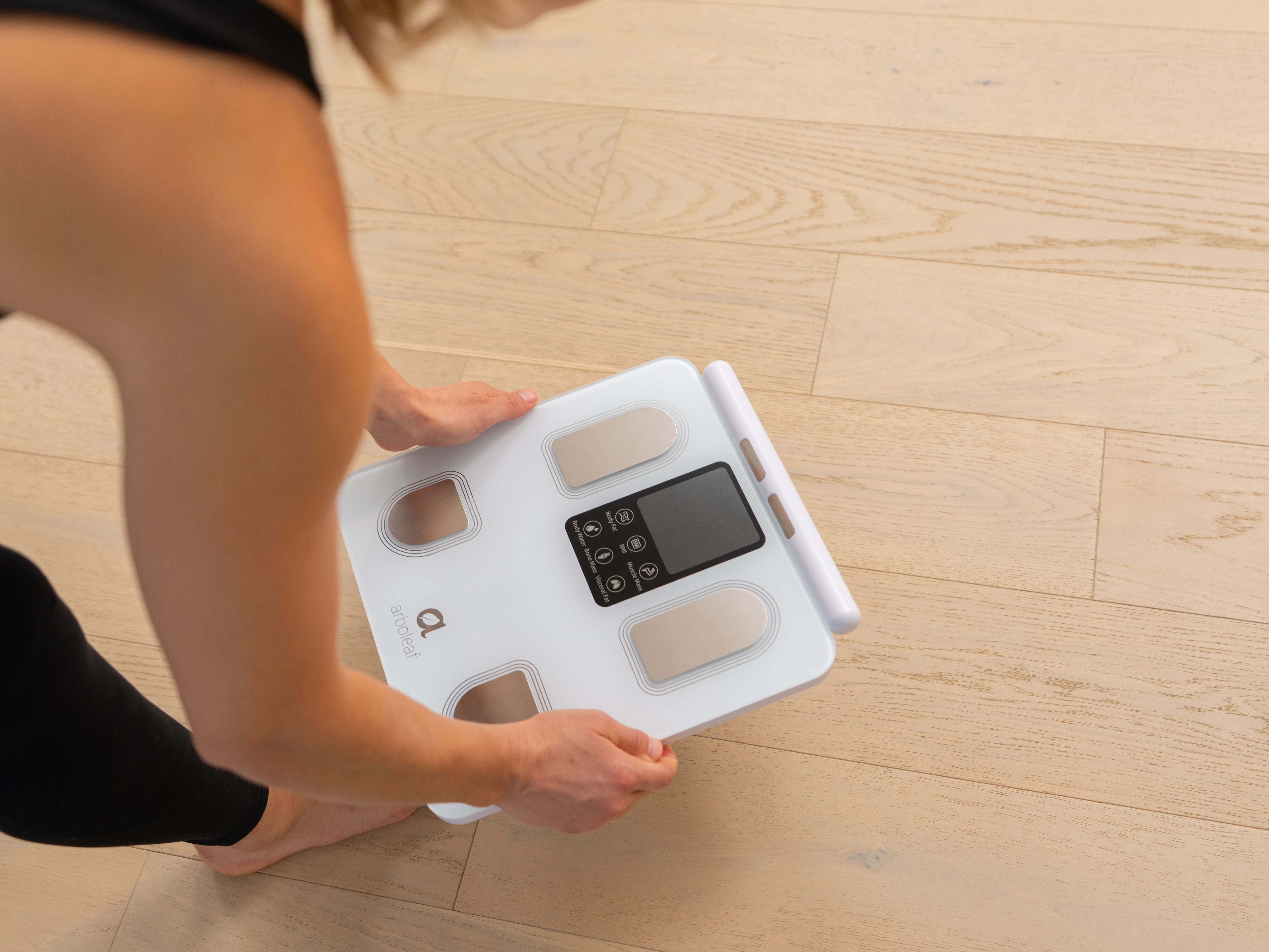
Place & Press: Place the scale on a hard, flat surface. Use one foot to apply just enough pressure to wake the screen up.
-
Wait for "CAL": Remove your foot immediately. The display will show "CAL" or a series of dashes, then return to 0.00.
-
The Reset: Once the screen shows 0.00 and turns off (or stays stable), the internal sensors are officially zeroed out.
-
Step On: You are now ready to weigh in with 100% accuracy.
3. Advanced Troubleshooting: How to Hard Reset Your Scale
Sometimes, a simple "tap-and-reset" isn't enough. Interestingly, the reset process for the Arboleaf smart scale is very similar to most high-end digital scales:
-
The Battery Method: Remove the batteries for at least 30 seconds. This allows the internal capacitors to discharge completely, clearing any glitched sensor data before you re-insert them.
-
The Reset Button: Some models feature a dedicated "Reset" button or a small pinhole on the back or side. A quick press (or using a paperclip) will trigger a hard reboot of the scale's firmware.
CRITICAL STEP: After a hard reset, you must re-connect your scale to the App. This ensures your user profile and body metric algorithms are perfectly re-synced for the most accurate results.
4. Pro Tips: How to Achieve the Most Accurate Measurements Possible
If you are a data enthusiast or a professional athlete who requires maximum precision, consider these advanced strategies:
-
Use Certified Weights or Known Items: While certified high-precision weights provide the most authoritative reference, you can also use items whose weight you have already confirmed with absolute certainty.
-
Multi-Point Verification: Don’t just test one weight. Use items of varying sizes to ensure your scale is accurate across its entire spectrum—from light increments to your full body weight.
-
Climate Control Matters: Environmental factors like high humidity or rapid temperature shifts can affect internal components. For the most reliable data, calibrate and store your scale in a room with a stable, consistent climate.
-
Follow the Manual: There are many types of scales on the market, and Arboleaf alone offers more than seven different smart scale models. Each may have its own specific calibration logic, so whenever you're unsure, following the provided instruction manual is always the best choice.
5. Essential Precautions for Maximum Accuracy
-
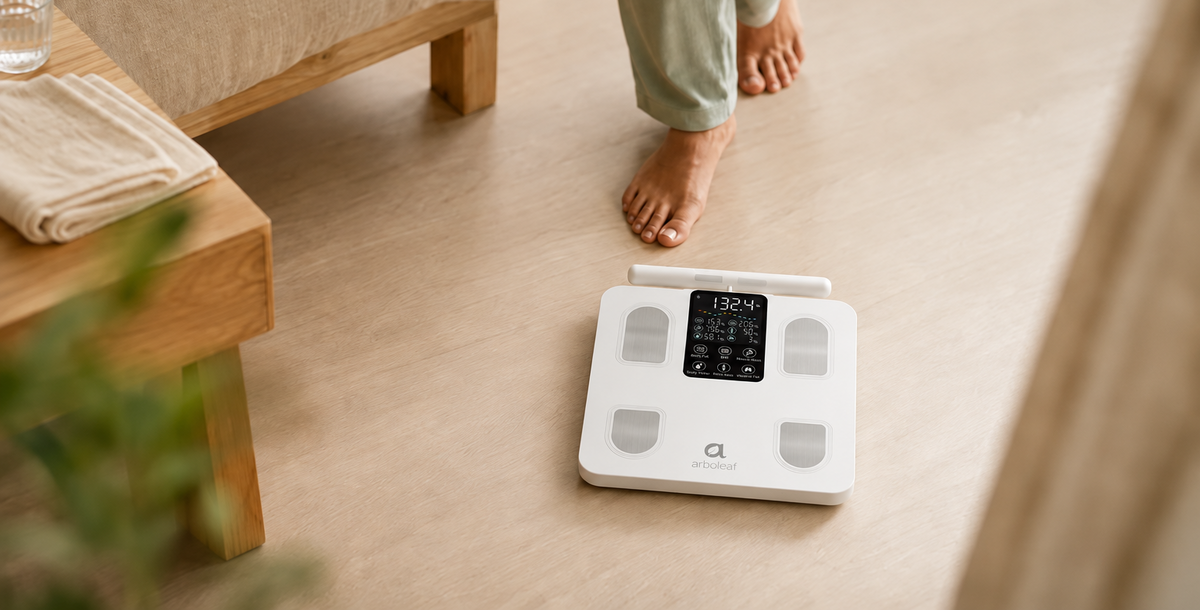
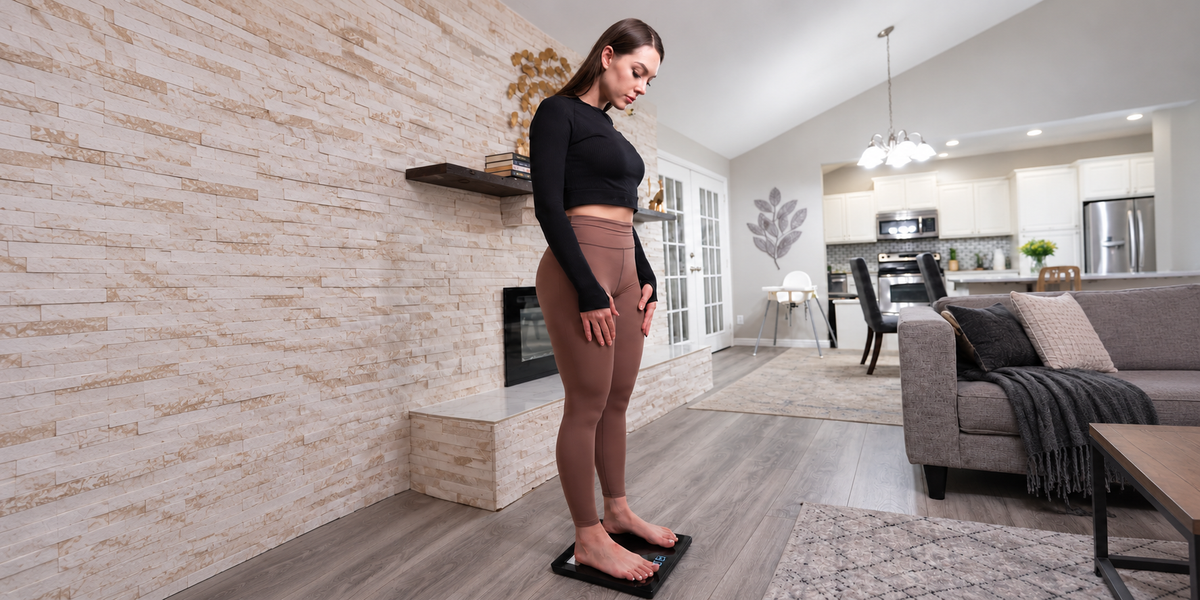
Surface Matters: Avoid using your scale on yoga mats, carpets, or rugs whenever possible. These soft surfaces absorb pressure, leading to significant inaccuracies. Always use a hard, flat surface like tile or wood flooring.
-
The "Golden Time" Rule: For the best data, weigh yourself in the morning, after using the bathroom, and before eating. Consistency is key: always measure at the same time each day.
-
Bare Feet for Bio-Metrics: To measure body fat, you must be barefoot. If your feet are too dry, simply wipe your soles with a damp cloth before stepping on.
Share: